Use your 📱 Android on 🐧 Linux
Just connect your phone over USB or Wi-Fi
Why DroidTux is different
Waydroid
Install an Android on an LXC on your PC. It normally uses obsolete versions which requires using third-party compilation options.
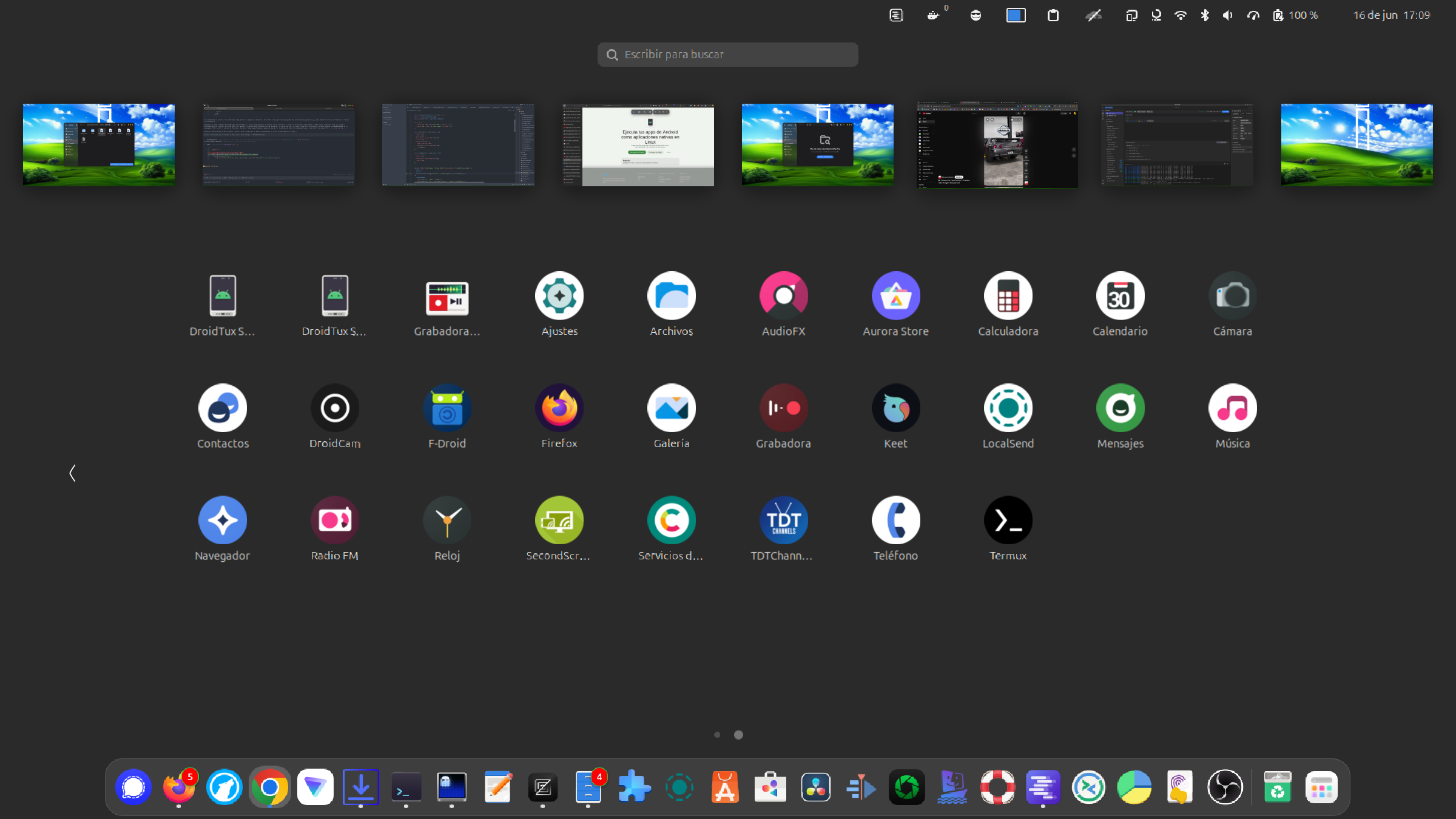
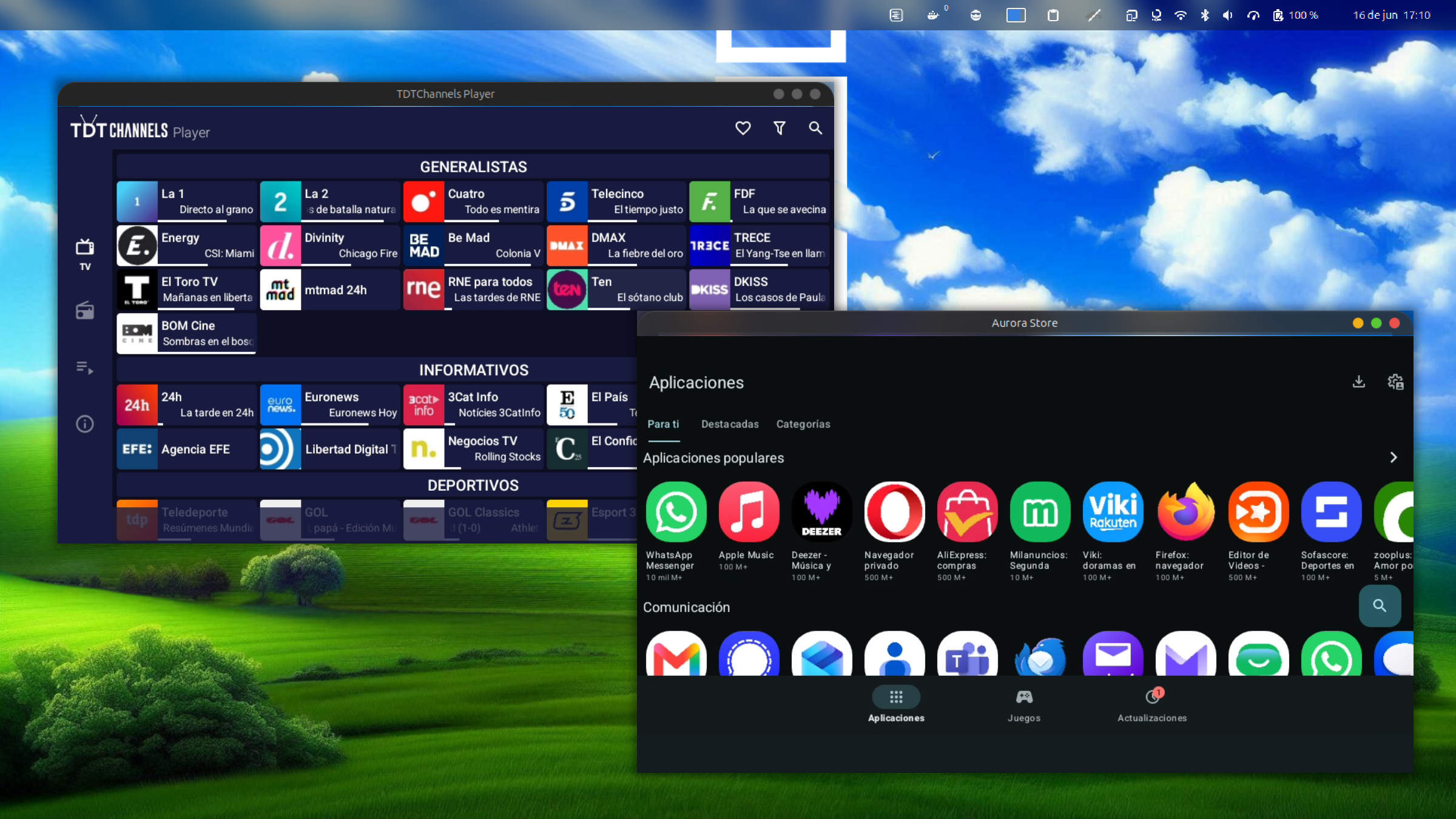
DroidTux displays the apps on your Android phone and everything runs on your phone. You can pick it up and take the information with you comfortably.
Scrcpy
What Droidtux uses below, perfect for expert users who want to have full control.
Droidtux makes it easy for users with an interface and app extraction automation.
You don't need an iPhone to connect it to your PC
Mobile apps as desktop apps
Choose to integrate all your Android apps or select only the ones you want on your desktop.
DPI, Resolution & Bitrate
Adjust display density, resolution and bitrate for the perfect experience on any screen.
Audio Redirection
Redirect audio from your phone apps to your PC
Virtual Camera
Use your phone's camera as a virtual webcam in any video call app on Linux.
Wireless Mode
Connect once via cables and open the wireless mode configurator and you will never use them again
Screenshots
Installation Instructions
 Debian / Ubuntu
  Fedora
  Arch Linux
 sudo dpkg -i droidtux-latest.deb Download the .deb binary installer from the official GitHub releases and run dpkg to unpack.
sudo rpm -i droidtux-latest.rpm Download the .rpm binary installer from releases and perform a standard rpm system installation.
sudo pacman -U droidtux-latest.pkg.tar.xz Download the .pkg.tar.xz archive from GitHub releases and run the local installation in your terminal.
And if you use these apps, you'll nail it!
These apps add more functionality and work perfectly alongside Droidtux.